
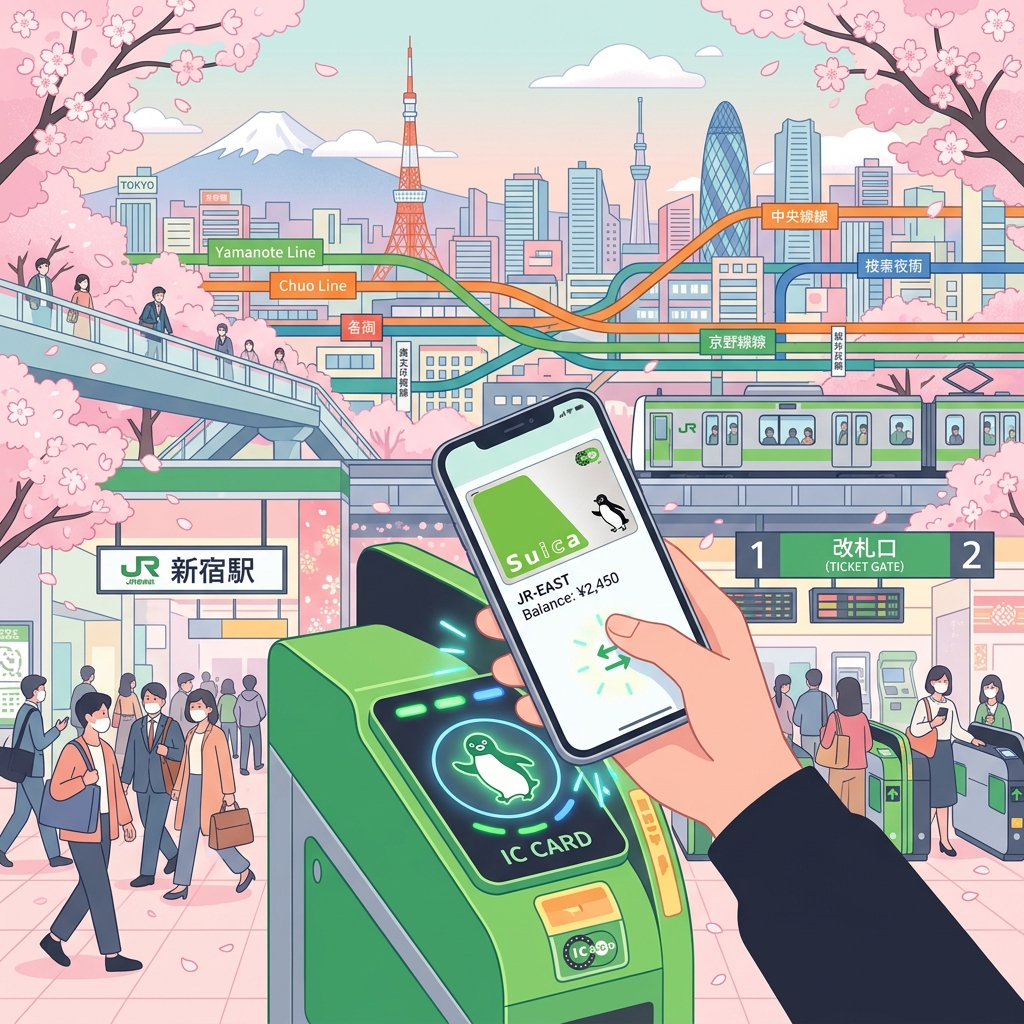
Navigating Japan's public transportation system is one of the first and most frequent tasks you will face as an international student or expat. Japan boasts one of the most efficient, punctual, and complex transit networks in the world. However, between the maze of different train operators, transfer rules, and fare systems, it is easy to get overwhelmed. Fortunately, rechargeable transit IC cards like Suica and Pasmo make travel seamless. This comprehensive guide covers everything from setting up mobile transit cards on your smartphone to saving money with student commuter passes (Teikiken) and navigating trains like a local.
1. What are IC Cards (Suica, Pasmo, ICOCA)?
IC cards are contactless, rechargeable smart cards used to pay fares on trains, subways, and buses across Japan. Beyond transit, they are widely accepted at convenience stores, vending machines, coin lockers, and casual restaurants.
While different regions have their own local brands (e.g., Suica and Pasmo in Tokyo, ICOCA in Osaka/Kyoto, Sugoca in Fukuoka), they are interoperable. A Suica card bought in Tokyo can be used on subways in Kyoto, buses in Hiroshima, or trains in Fukuoka.
| Card Name | Primary Region | Issuer | Compatibility |
|---|---|---|---|
| Suica | Kanto / Tokyo | JR East (Japan Railways) | Nationwide (Interoperable) |
| Pasmo | Kanto / Tokyo | Private Railways & Subways | Nationwide (Interoperable) |
| ICOCA | Kansai / Osaka & Kyoto | JR West | Nationwide (Interoperable) |
2. Physical vs. Mobile IC Cards: The Ultimate Choice
Due to worldwide semiconductor shortages, purchasing standard physical Suica or Pasmo cards at ticket offices can be difficult. Tourists are often directed to temporary "Welcome Suica" or "Pasmo Passport" cards, but these expire in 28 days and do not refund unused balances. For long-term expats, Mobile IC Cards are the best solution.
How to Set Up Mobile Suica / Pasmo on Apple Wallet (iOS)
If you have an iPhone, you do not need to buy a physical card. You can create a digital card directly in Apple Wallet:
- Open the Wallet app on your iPhone.
- Tap the + icon in the top right corner.
- Select Transit Card.
- Search for "Suica" or "Pasmo" and select it.
- Choose the amount of money you want to load onto the card (funded via Apple Pay) and complete the setup.
Note: To charge a digital IC card in Apple Wallet, your linked credit card must support Apple Pay. Foreign Mastercard, American Express, and JCB cards generally work well. Some foreign Visa cards may fail during top-up due to security protocols; if this happens, try linking a different brand of card or top up with cash at station ticket machines.
Mobile Suica on Android (Google Wallet)
For Android users, Google Wallet only supports mobile transit cards if your phone was purchased in Japan. Japanese Android phones contain the specialized Osaifu-Keitai (FeliCa) chip required for transit gates. If you brought an Android phone from overseas, it likely does not support FeliCa, and you will need to purchase a physical IC card at a train station customer service counter (showing your residence card/visa) or buy an ICOCA card, which is currently easier to obtain in physical form.
3. Saving Money with Commuter Passes (Teikiken)
If you commute daily between your residence and your university, language school, or workplace, buying individual fares is expensive. Instead, you should purchase a Commuter Pass (定期券 - Teikiken).
How Teikiken Works
- A Teikiken allows unlimited travel between two specific stations (your home station and your school/work station) for a set period (usually 1, 3, or 6 months).
- You can get off and on at any intermediate station along the designated route without paying extra.
- The pass is printed directly onto your physical IC card, or loaded into your mobile transit app.
Student Discounts (通学定期 - Tsugaku Teikiken)
International students enrolled in accredited Japanese universities, vocational schools, or language schools qualify for massive discounts (often 50% to 70% off standard commuter pass rates).
- Obtain a Student Commuter Certificate (通学証明書 - Tsugaku Shoumeisho) from your school's administration office. This document specifies your home station and school station.
- Go to a manned ticket office (Midori-no-Madoguchi) at your home station.
- Present your Student ID, the commuter certificate, and your IC card.
- Pay the discounted fare. The staff will write the route details onto your card.
4. Essential Etiquette and Train Hacks
To commute smoothly and avoid social faux pas, keep these tips in mind:
- Queue in Lines: Follow the markers painted on the platform floor. Queue in neat lines and wait for passengers to exit the train completely before boarding.
- Mute Your Phone: Set your smartphone to silent ("Manner Mode") and avoid talking on the phone while on the train.
- Backpack Manners: When trains are crowded, wear your backpack on your front or place it on the overhead racks to make room for others.
- Use Transit Apps: Download navigation apps like Google Maps or Jorudan to check exact platforms, transfer times, and car numbers that are closest to your exit stairs.
Conclusion
Mastering public transit is key to enjoying your life in Japan. Setting up a mobile Suica/Pasmo card on your phone will save you time and hassle, and obtaining your student commuter pass will keep your travel budget in check. Stand behind the yellow line, respect the local train etiquette, and enjoy exploring Japan!